

http tool and calls one function
of your own. The complete program is examples/quickstart.
1
Get an API key
Sign in to the dashboard at app.rewind.codes, open the account menu at the bottom of
the sidebar, then Organization → API keys → New key. Give it the 

harness role. The secret is shown once:
copy it.2
Install the SDK
Node 22.12 or later. The package is ESM only and depends on no model SDK.The client reads its server and key from the environment:
3
Register a toolset
A toolset is what scripts may call. This one enables the Rewind answers with the declarations of the toolset, in a compact form for the model’s prompt:
http tool for api.github.com only, and declares a
host tool, notify, that your own code executes.index.ts
4
Serve the host tool
A worker long-polls the calls to your host tools, runs the handler and answers. It runs in your infrastructure:
the handler can reach your database, your users, another model.
index.ts
5
Run a script
In a harness, the model writes the script. Here it is a file:Start it in the namespace of the end user it acts for, and wait up to 30 seconds for its result:
scripts/repo-report.ts
index.ts
6
Read the result
http tool and
its notify call to your worker. Each of these is an entry in the run’s journal.7
Look at the run
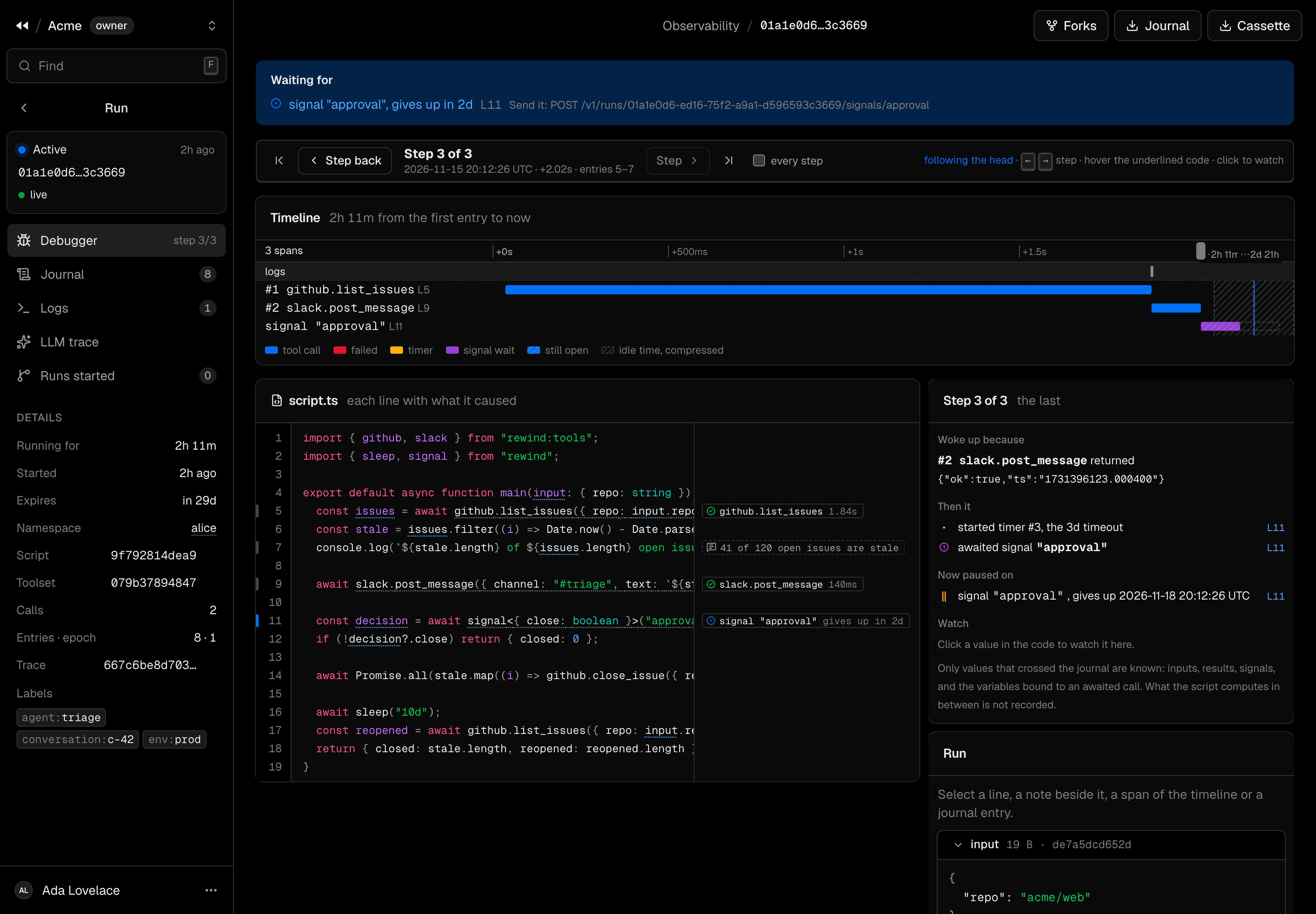
Open Observability in the dashboard and click the run. The debugger shows the script with each call next to
the line that made it, a timeline, and a cursor that steps through the run’s history.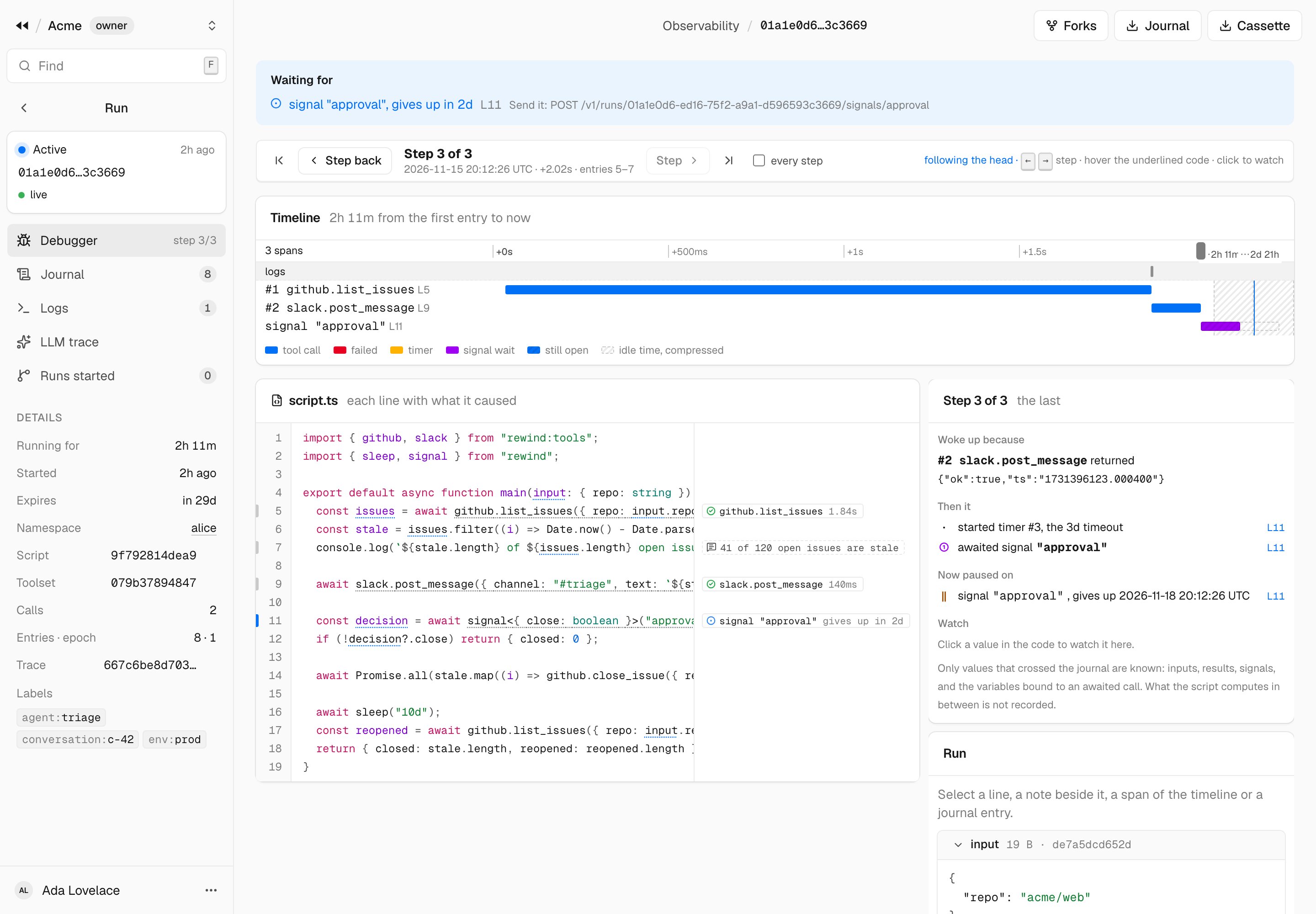
Next steps
Give it to your model
Plug
run_script and the other agent tools into Claude or an OpenAI model.Wait for a human
Signals, approvals, and runs that wait for days.
Connect your MCP servers
Toolsets, policies and credentials.
All the examples
Runnable programs for every part of the SDK.