

Sign in
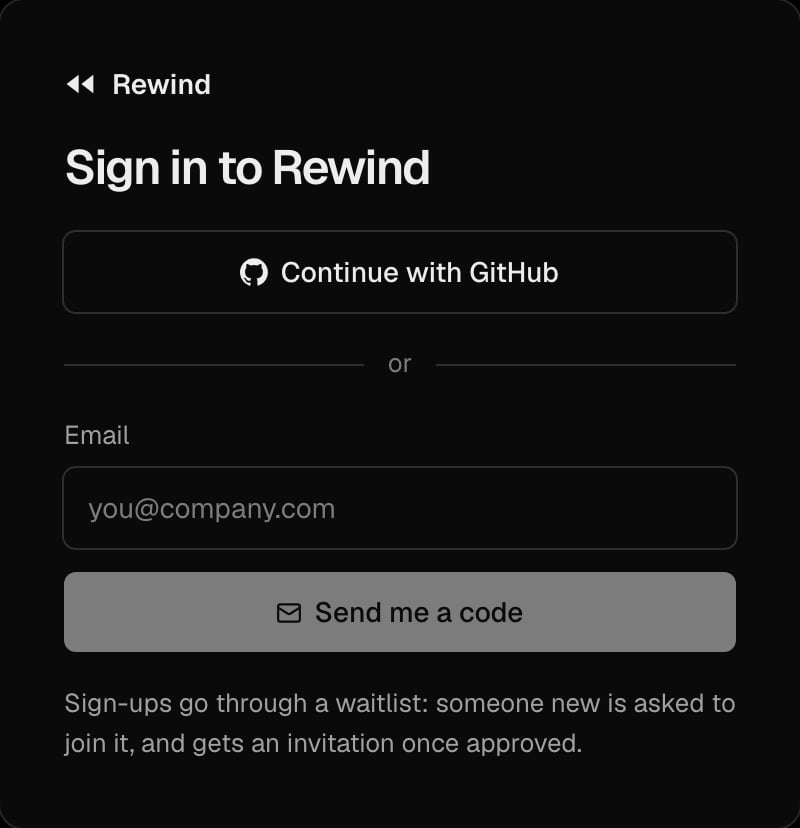
On app.rewind.codes, sign in with Continue with GitHub, or with your email and the 6-digit code sent to it. Then pick your organization, or create one; an invitation link takes you straight to the organization that invited you. While sign-ups are closed, a new email joins the waitlist, and gets an invitation once approved.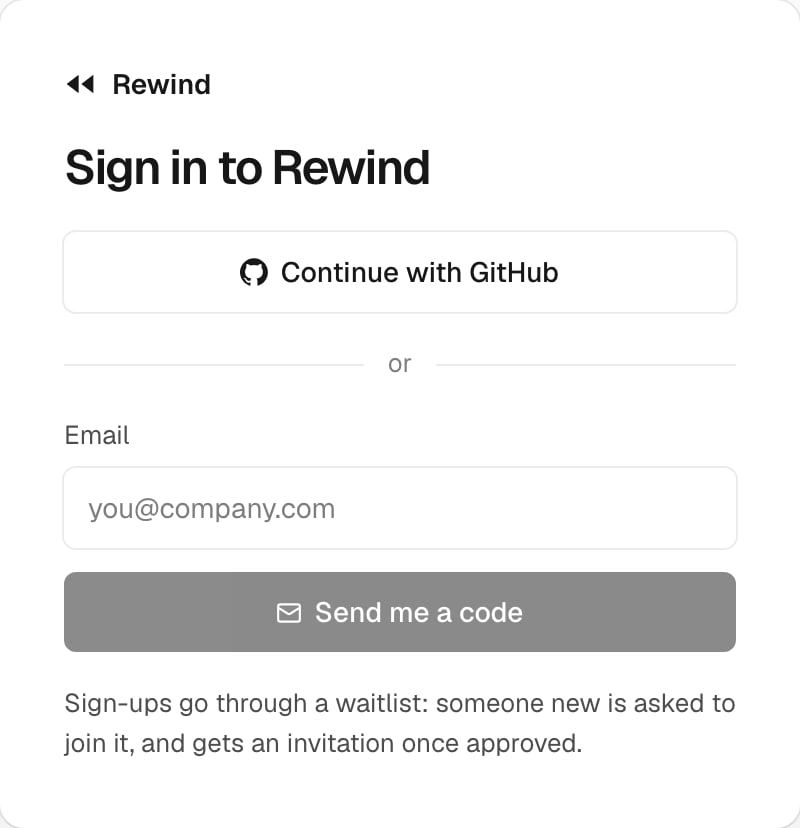
Find your way
The dashboard has one sidebar:- At its top: the organization picker, and Find (press F): a run by its id, a view, a saved search.
- The views: Overview, Observability, Scripts, Tools and Namespaces.
- At its bottom, the account menu: your organization (members, roles, API keys), the theme, the time zone (UTC or local), the server, and sign out.
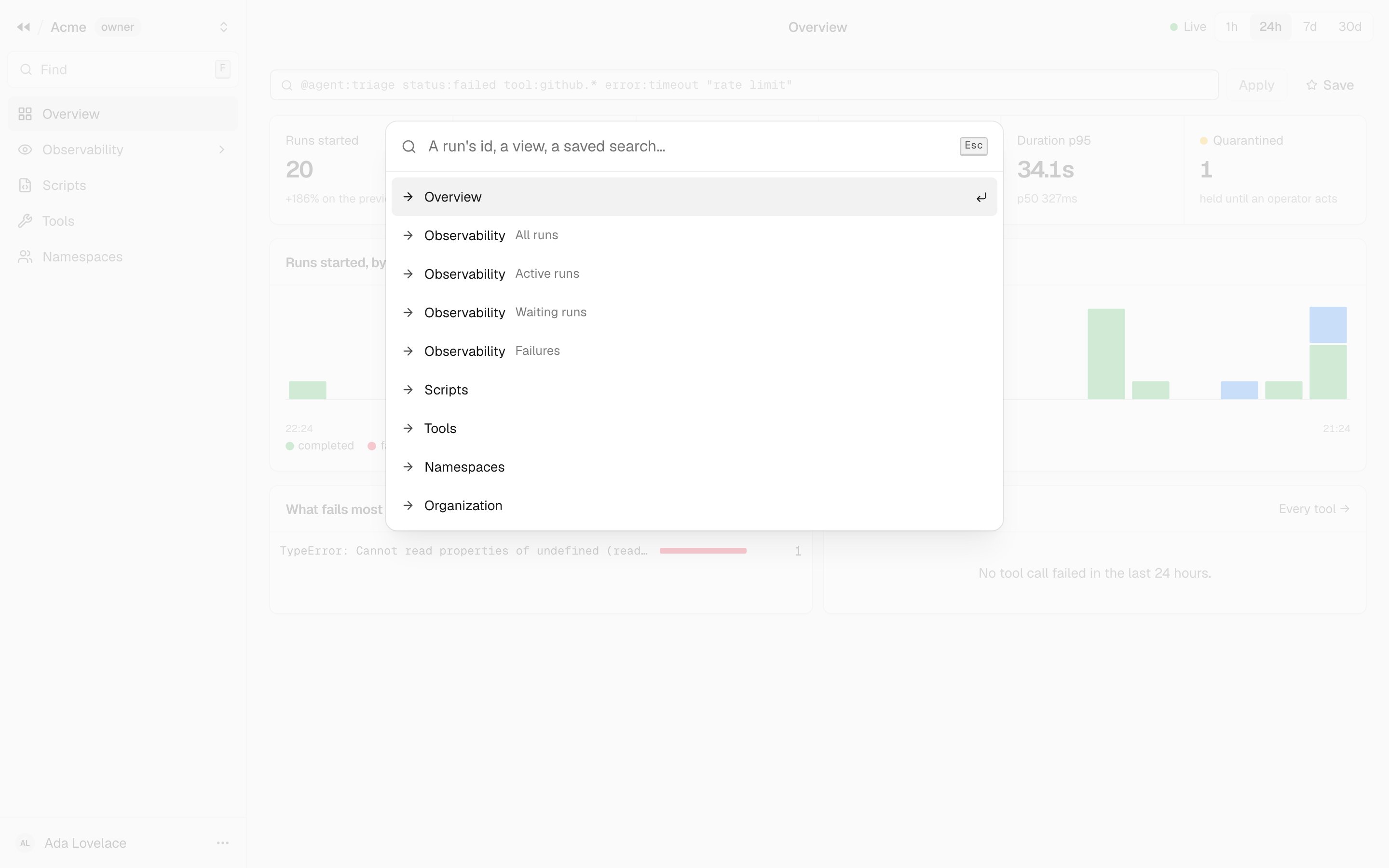
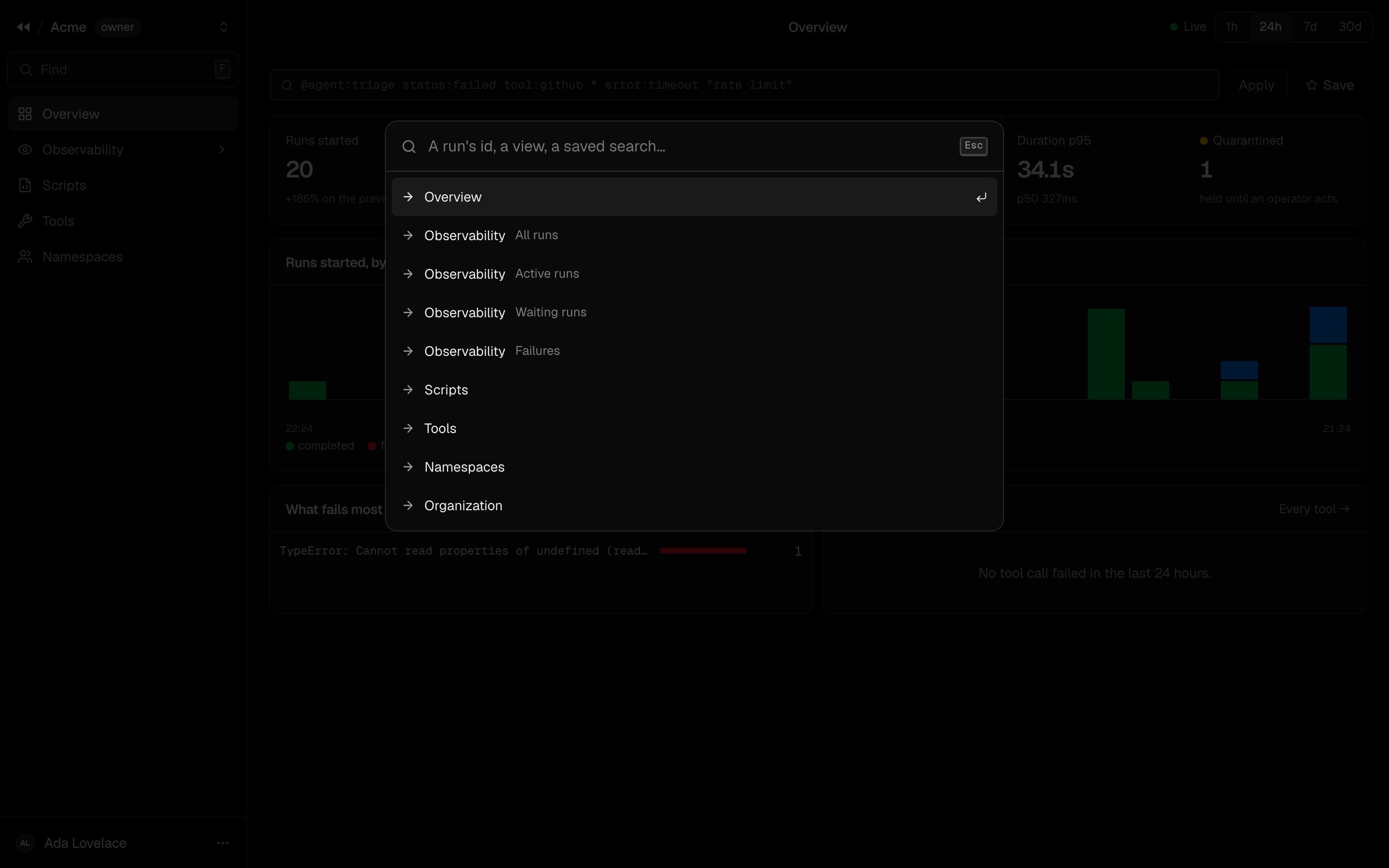
Find: press F anywhere, then type a run id, a view or a saved search
What you see depends on your role
The dashboard shows what your role allows. The run views needruns:read, the namespace views namespaces:read, and
each part of the organization its own permission. A member limited to labels (agent:triage) sees only the runs
carrying them. See Roles.
The dashboard never picks an end user: it reads every namespace of your organization. A run’s namespace is a column, a
filter and the term namespace: of the query language.