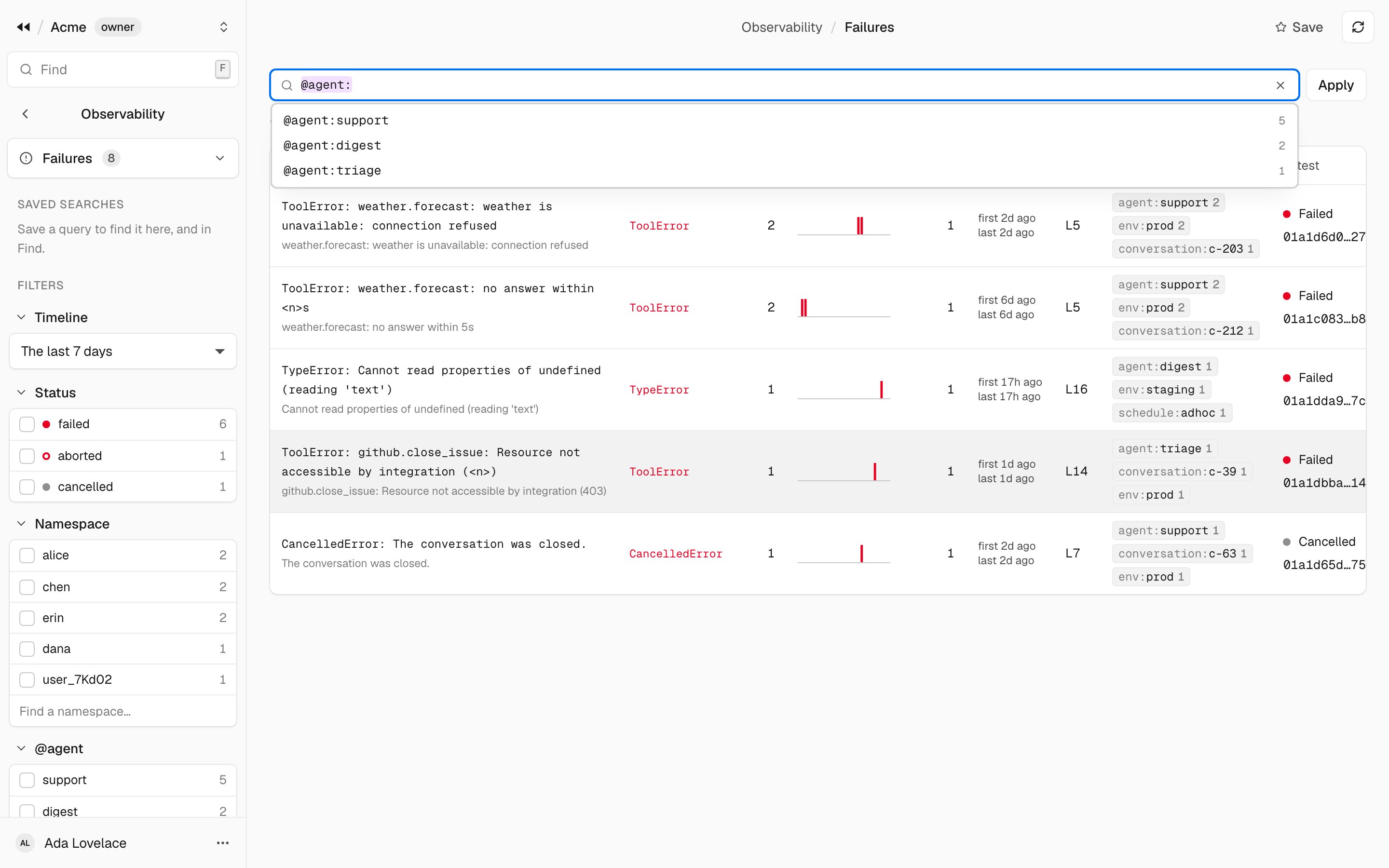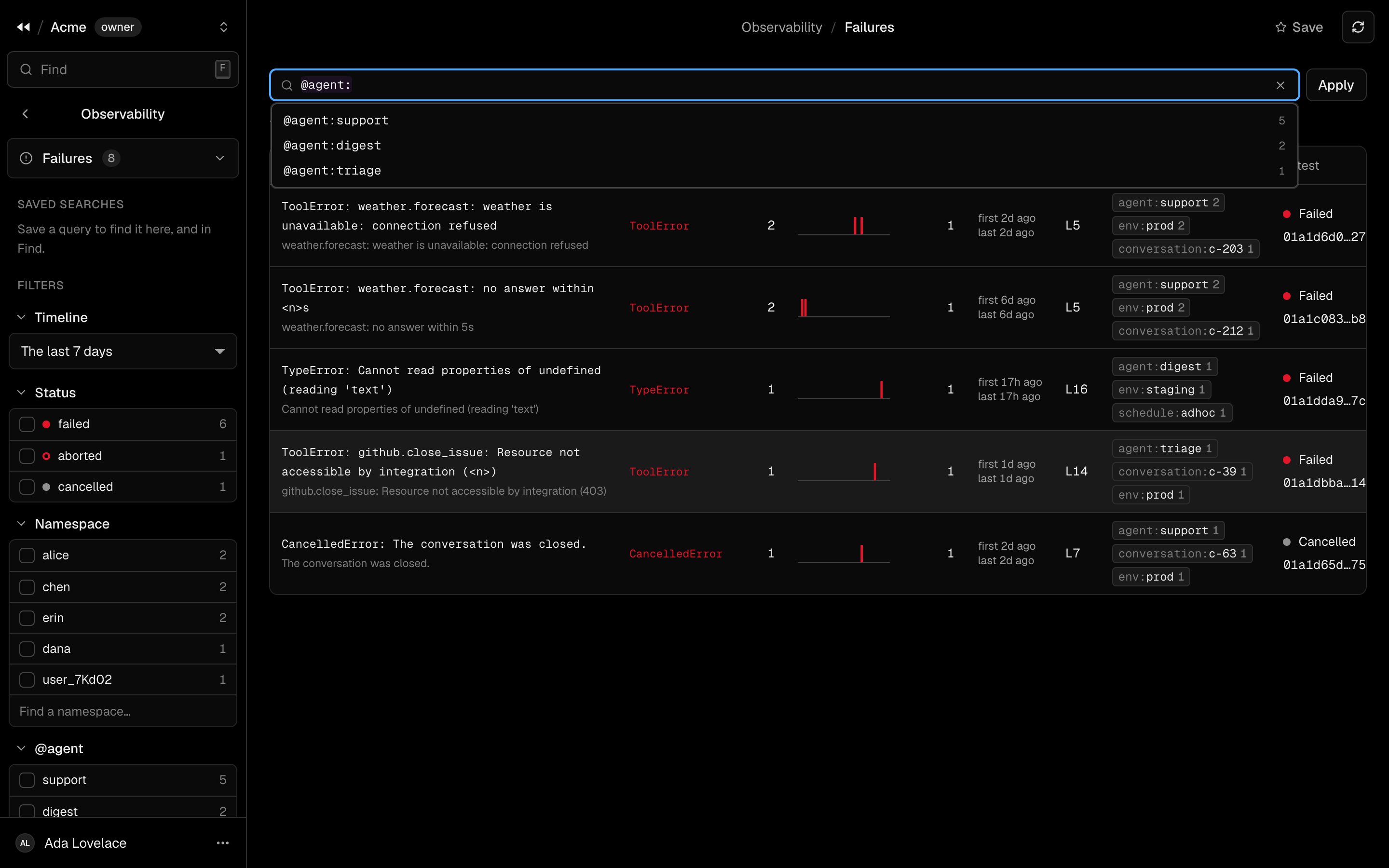
The query bar
Type a query: terms separated by spaces, all of which must hold. The bar suggests fields and the values that exist as you type, and underlines a term the server cannot read.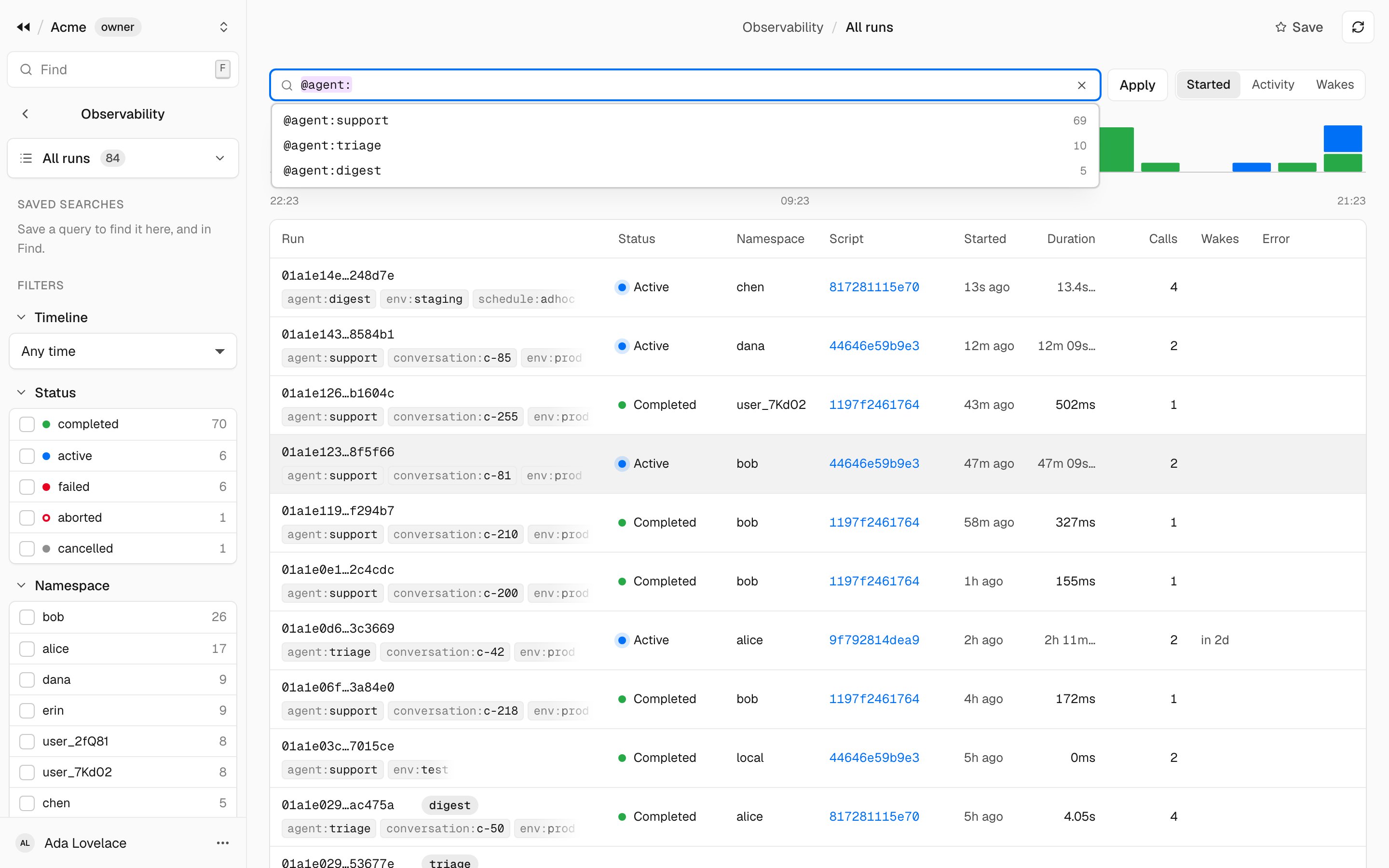
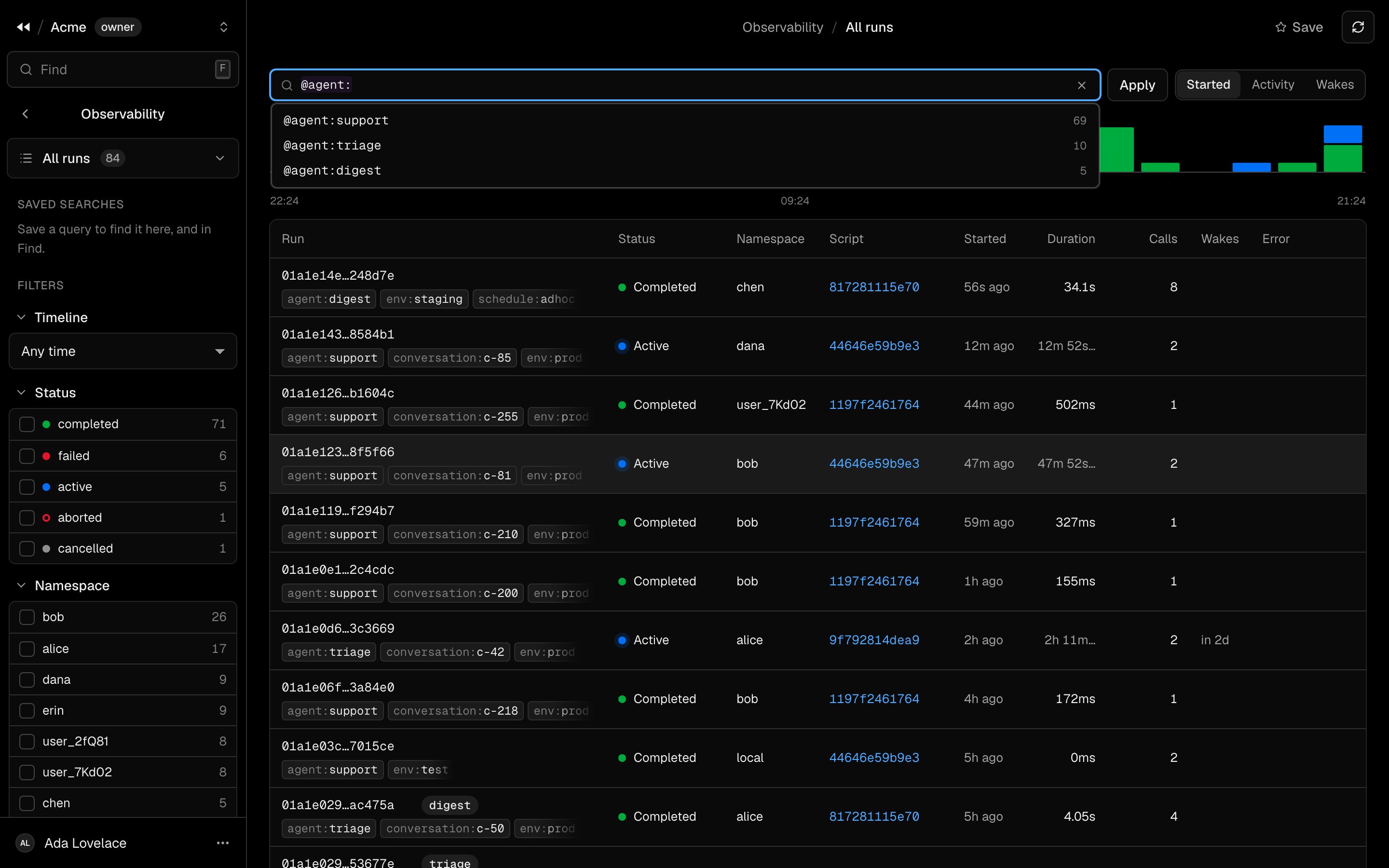
Suggestions drawn from the values that exist: here, the values of the label agent
Filters
The sidebar lists, for each field, the values found with their counts: the timeline, the status, the namespaces, each label, the tools, the errors, the scripts. A filter is a term of the query:- one click asks for the value (
status:failed); - a second click excludes it (
-status:failed); - a third removes it.
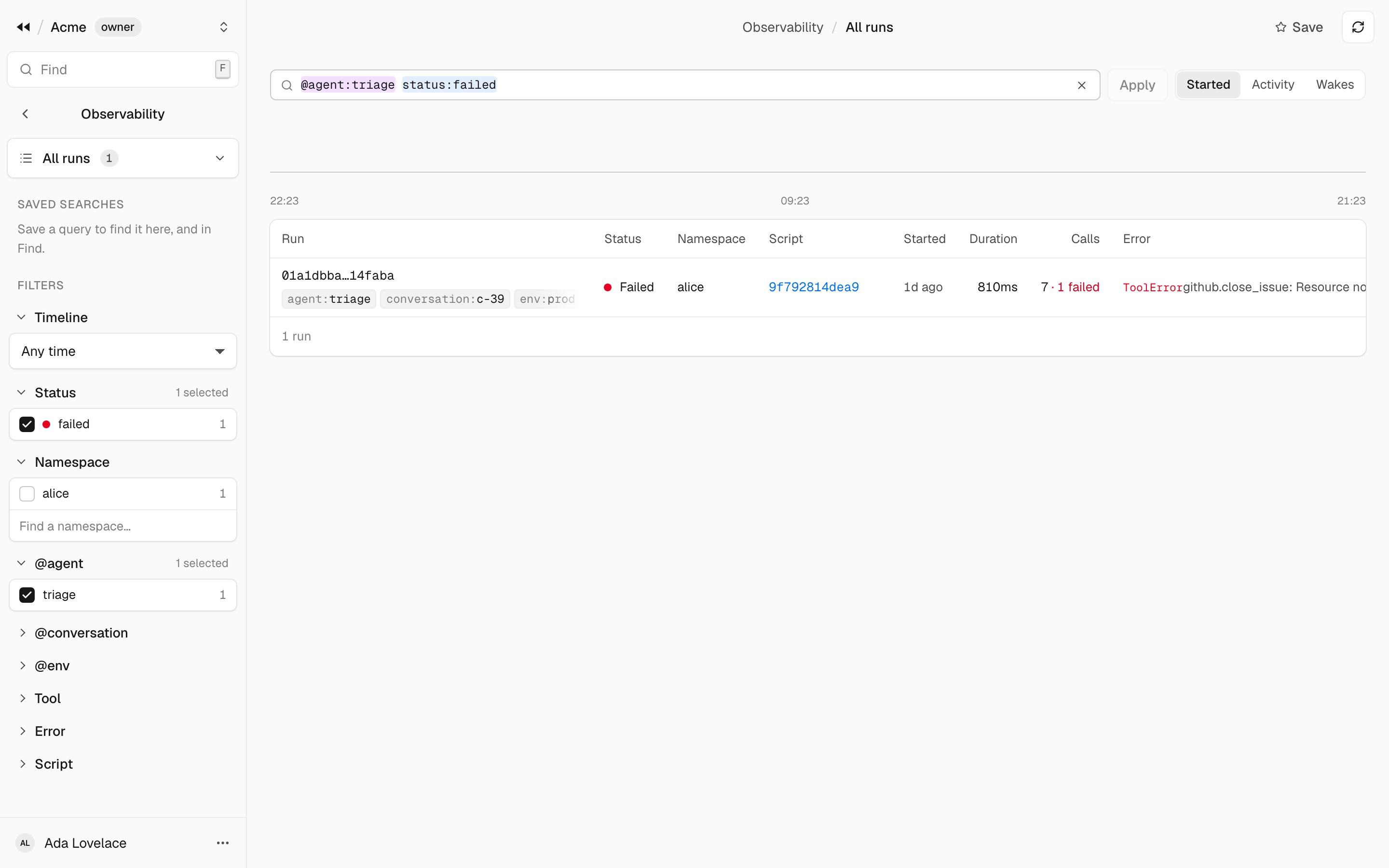
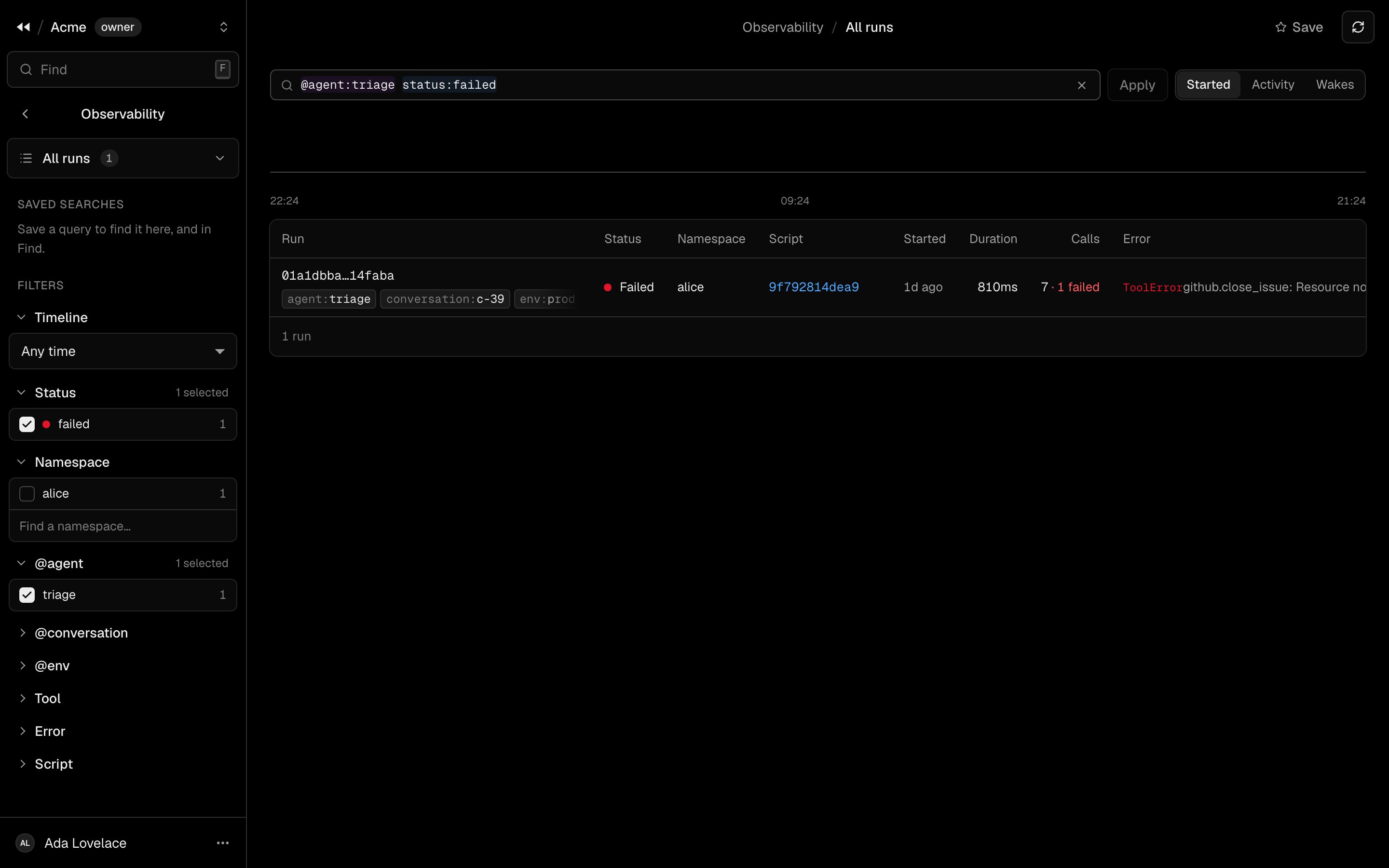
@agent:triage status:failed: the filters checked in the sidebar are the terms of the query
The four views
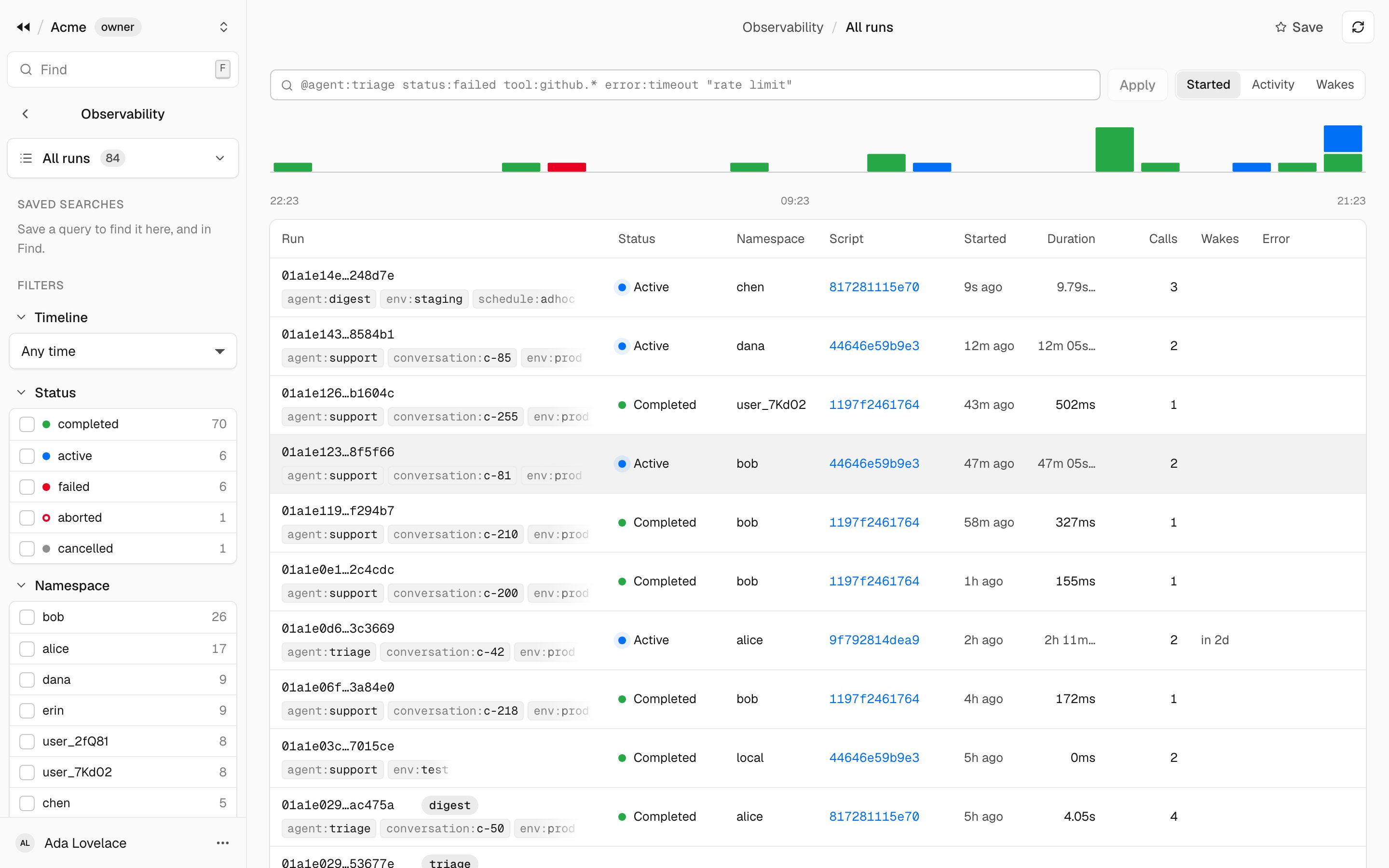
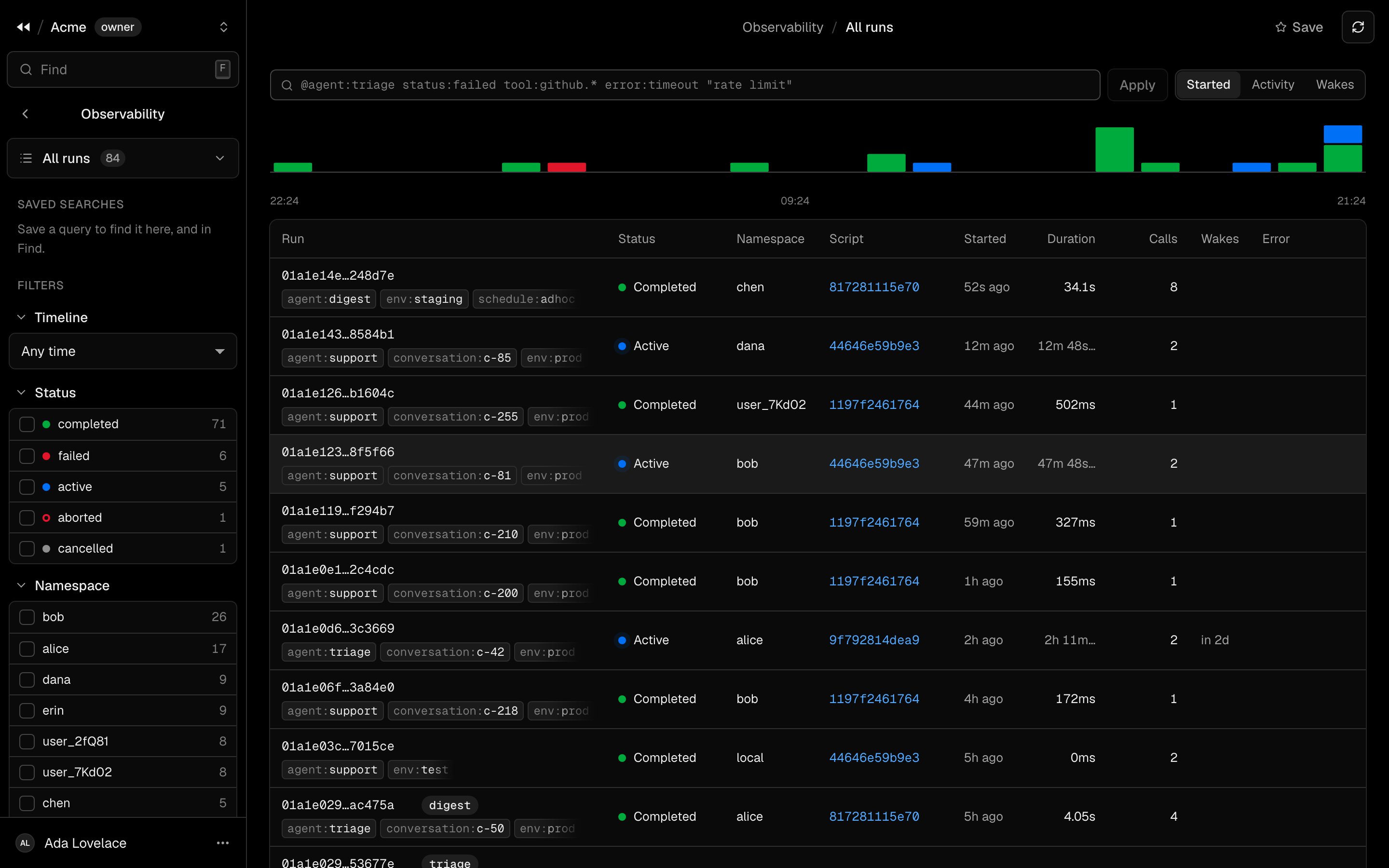
All runs
The runs started over time, then the list: each run with its status, namespace, the first line of its script, when it started, its duration, its calls, when it wakes and its error. Sort it by start, by last activity, or by next wake.Active
The runs not yet ended.Waiting
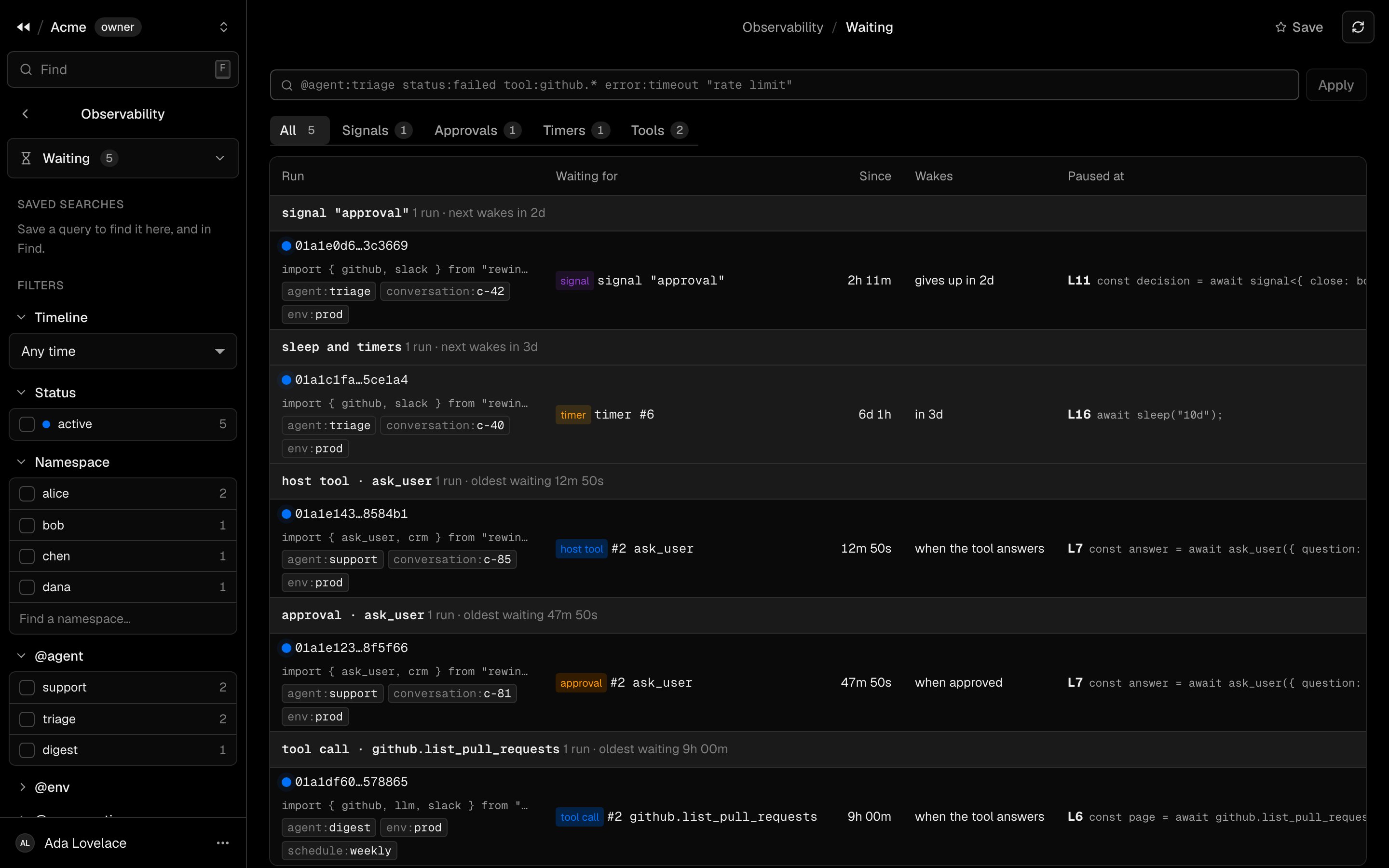
The active runs waiting on the outside world, grouped by what they wait for, by tab: signals, approvals, timers and tools. Each run shows the line it is paused on and when it wakes, the soonest first. Use it to find what a person, a tool or your harness has to answer.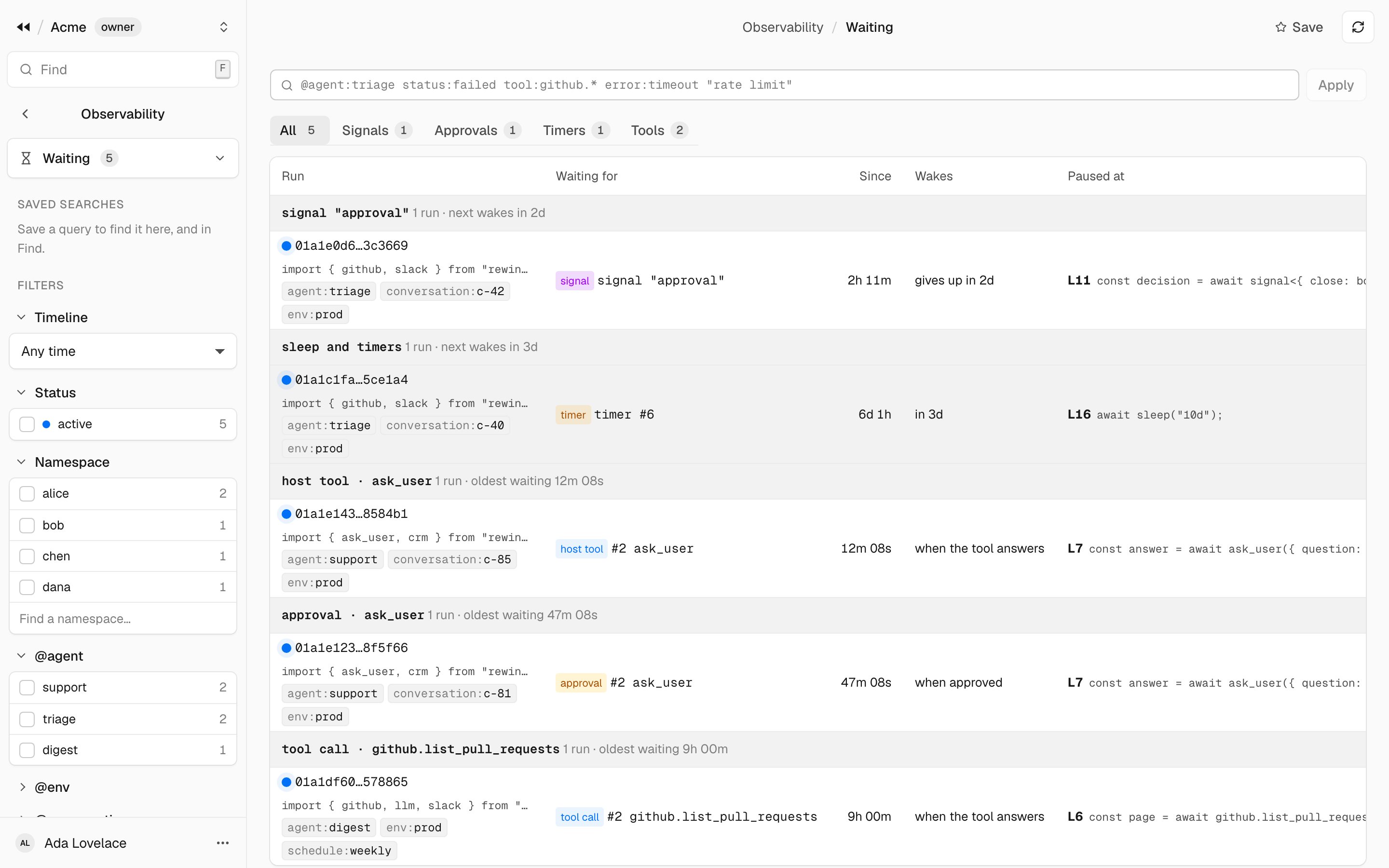
Failures
The failed, cancelled and aborted runs of a window, grouped by fingerprint: the error with its numbers, ids, times and quoted strings replaced, so the same failure across the many scripts models write is one group. Each group shows its runs over time, how many scripts hit it, when it was first and last seen, the line most of its runs ended at, the top labels, and the latest run.