

namespaces:read.
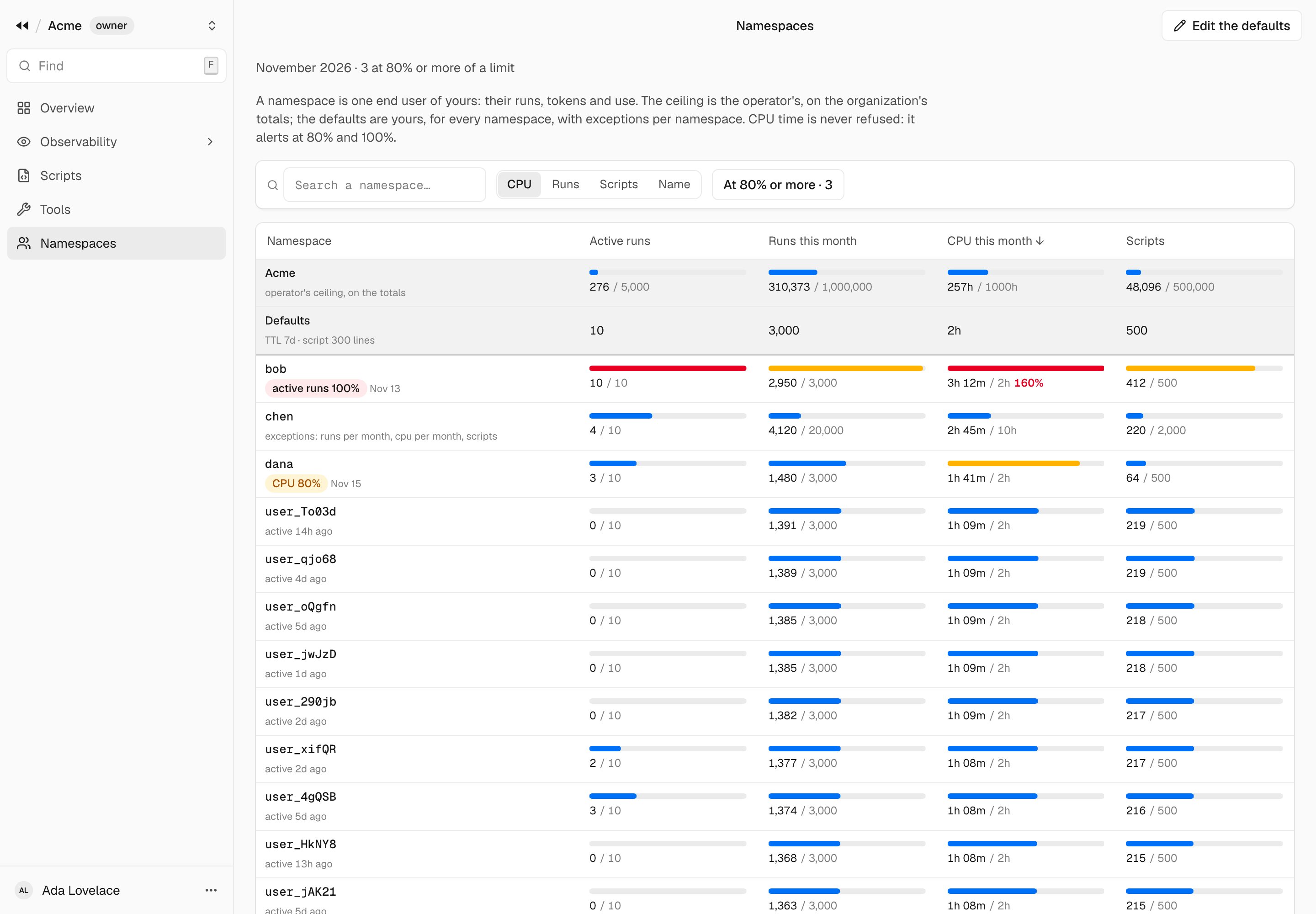
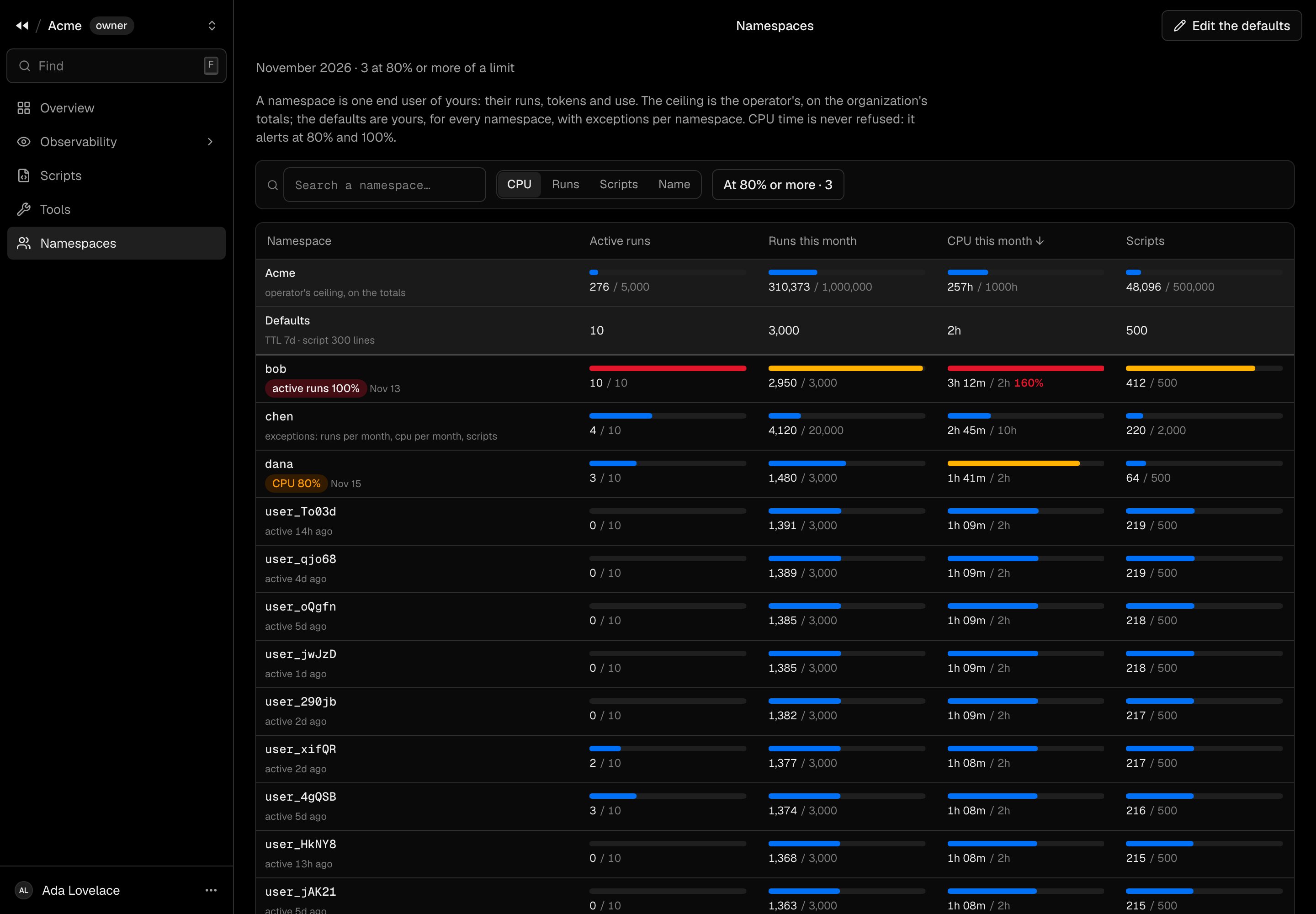
- The first row is your organization: its ceiling, with the totals of every end user.
- Defaults are the limits of every end user without exceptions. Edit the defaults changes them, with
namespaces:write. - Then each end user, sorted by CPU, runs or scripts of the month, or by name. Each quota is a meter: orange from
80 %, red at 100 %. A CPU time above its quota shows its share (
160%): CPU is never refused, only alerted on. - Search by the start of a name, and At 80 % or more keeps those near a limit.
One end user
Open an end user to see their month in detail.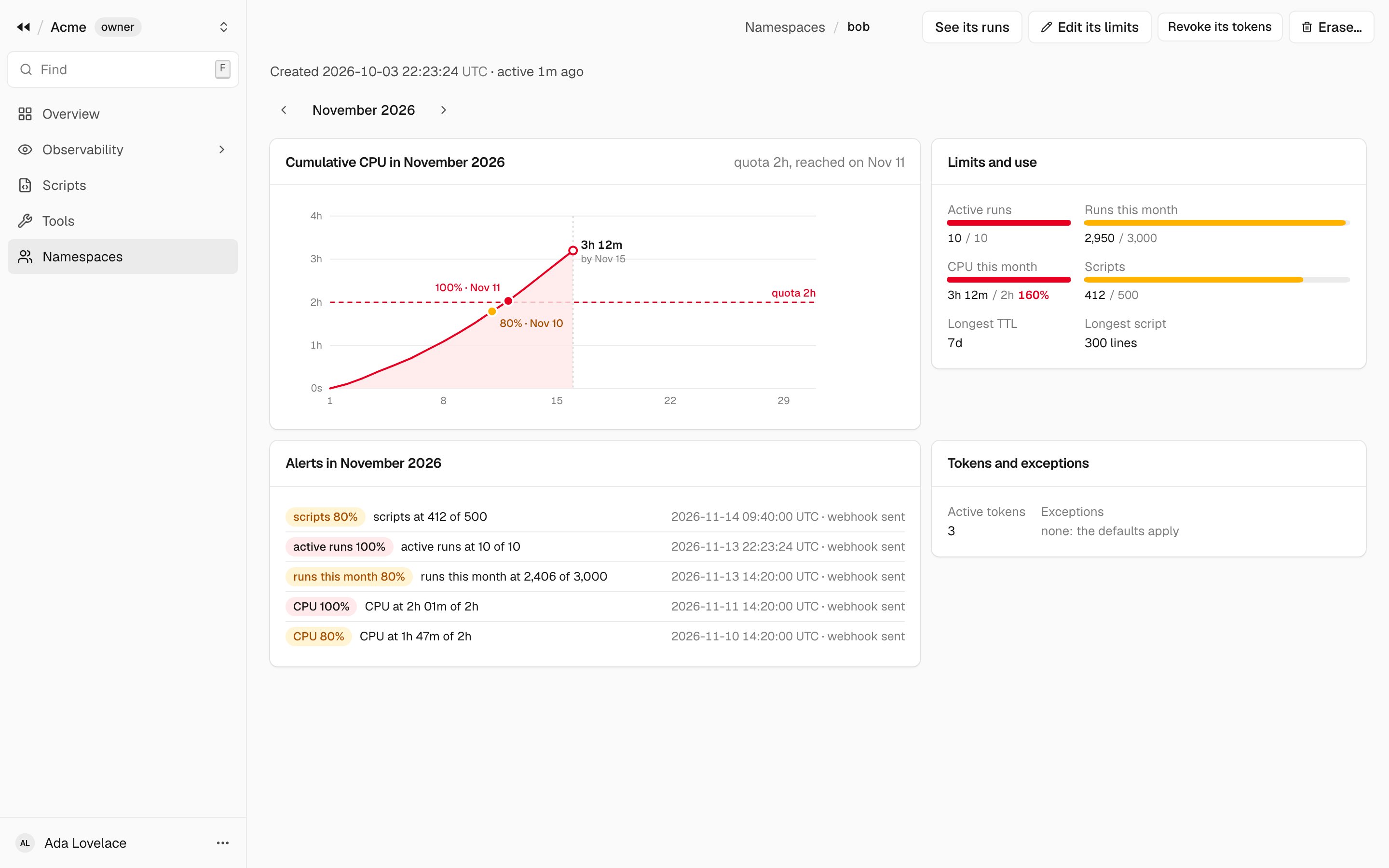
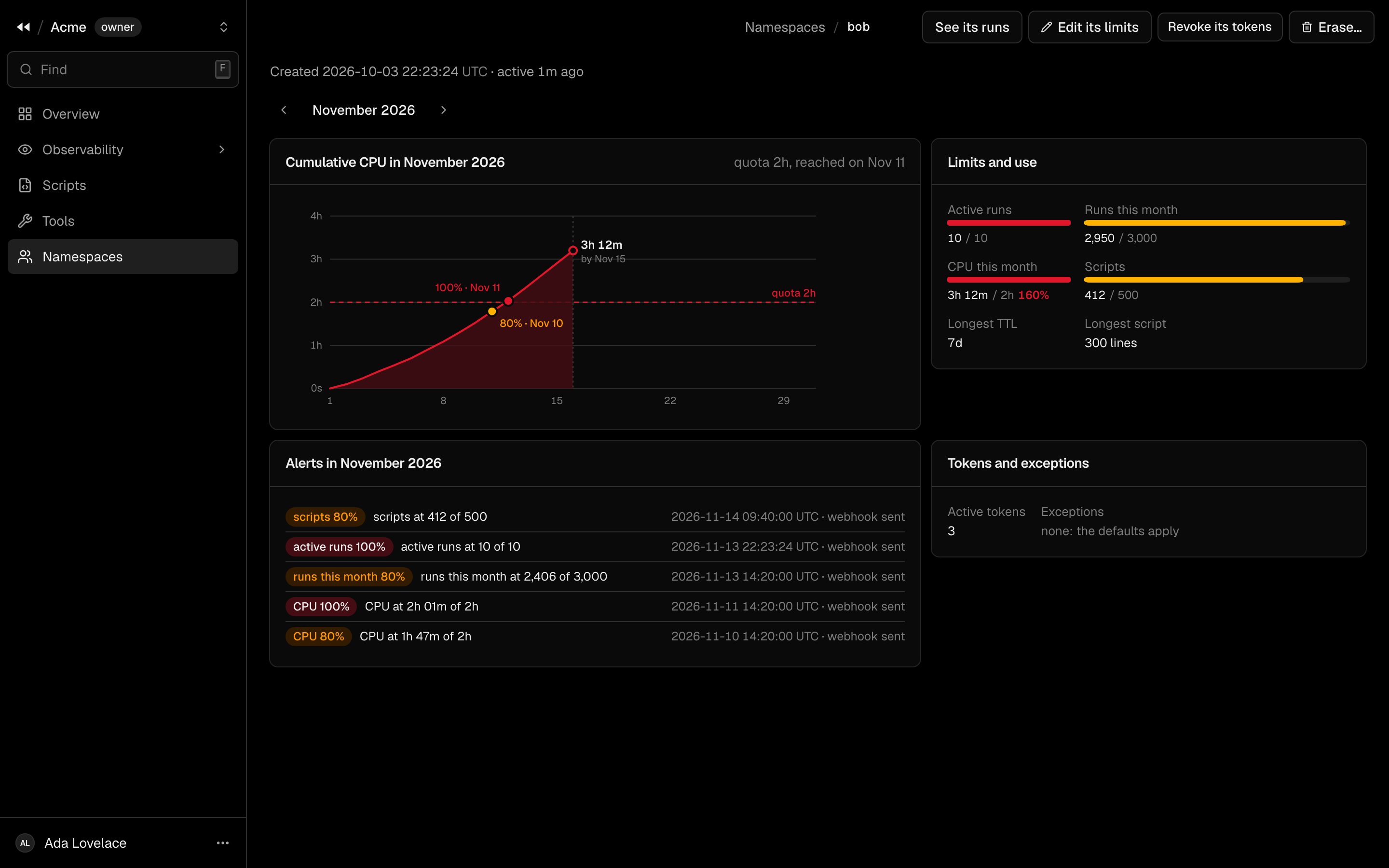
The arrows next to the month go back in time.
Actions
The SDK does the same with
rewind.namespaces.